
Account Deletion
Updated: 1st February 2026
Navigate to your profile in app and scroll to the bottom.
You will see an icon in “Danger Zone” and the words “Delete Account”.
Click this and confirm.
All your data is immediately deleted. This includes survey responses, reminders, family connections and health events. You will be able to sign up again with the same email but none of your information will be able to be restored.
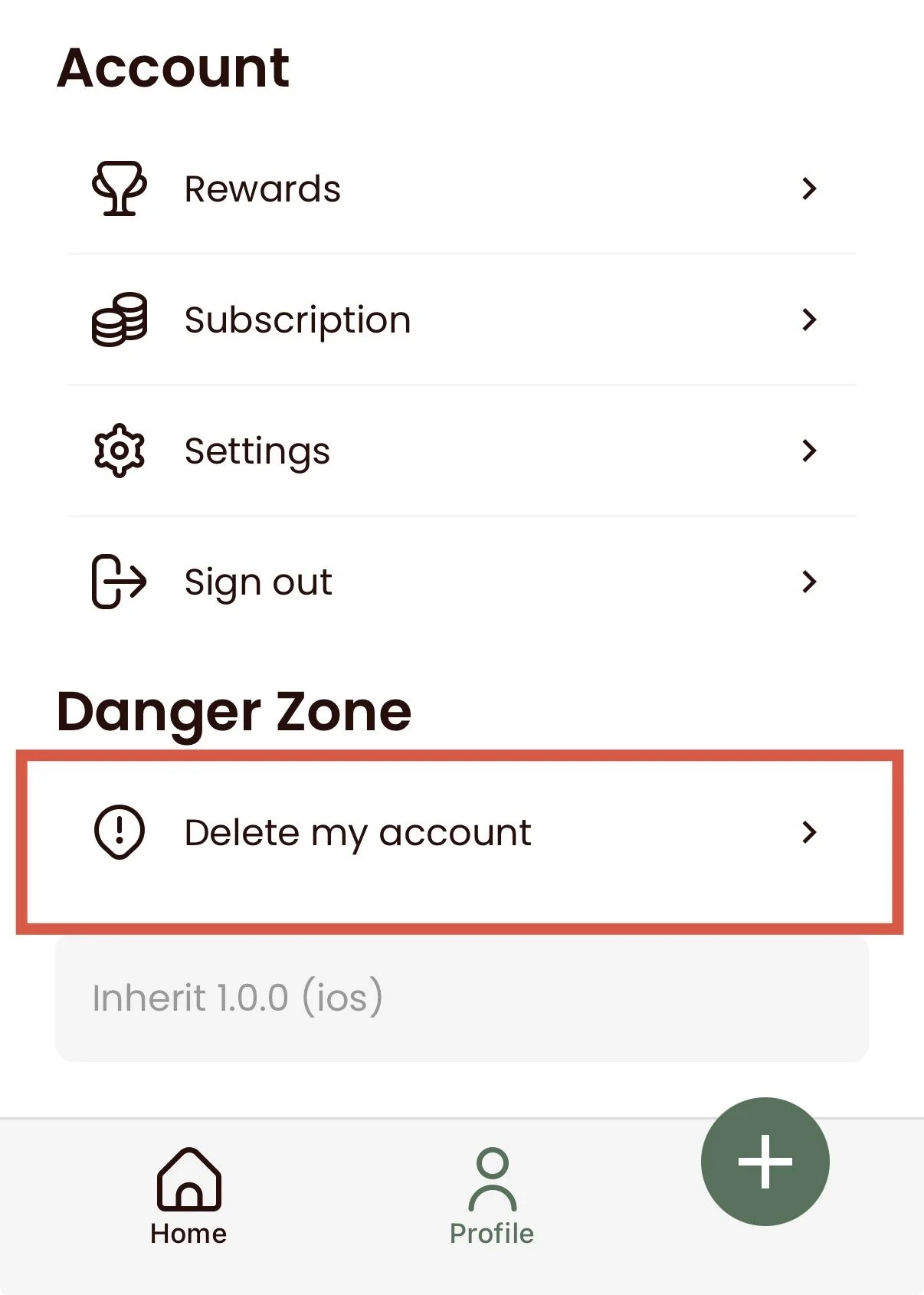
In App: